
Nord Stage 4: How to Build a Bass-Only Sample Library
Learn how to customize your Nord Stage 4 sample library, delete unwanted samples, and free up memory for the sounds you actually use.
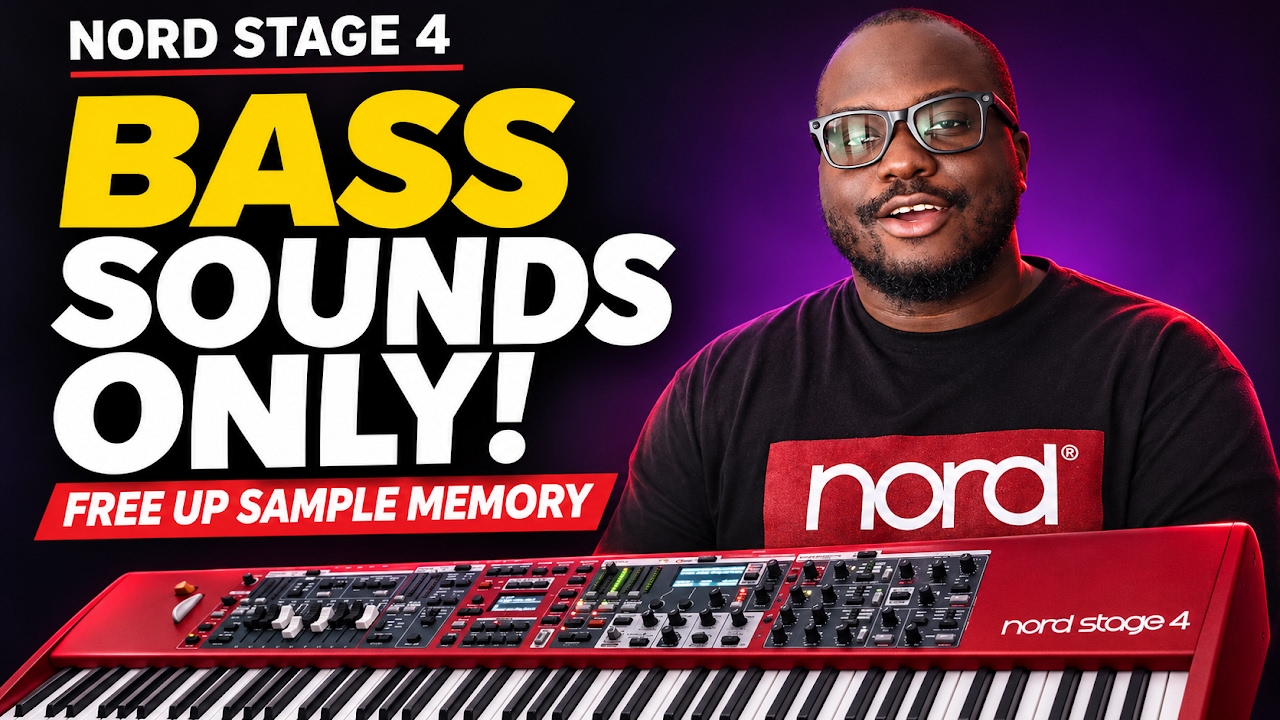
In this tutorial, I demonstrate how to build a bass-only sample collection using Nord Sound Manager. I remove unwanted sample categories while keeping the bass samples, then add *Saw Bass 3* from the Nord Sample Library and demonstrate the sound on the keyboard.
If you’ve ever wanted to reorganize your Nord’s sample collection or make space for new sounds, this walkthrough explains the process through a practical example.
In this video, we cover:
• Why you should back up your Nord before deleting samples.
• Finding your installed samples in the Sample Library section of Nord Sound Manager.
• Removing unwanted samples while keeping your bass sounds.
• Understanding the relationship between sample files and saved programs.
• Downloading and transferring Saw Bass 3 to the Nord Stage 4.
• Playing and comparing bass sounds, including synth bass and slap bass.
The Nord Stage 4 has **1 GB of memory for sample-library sounds**, separate from its **2 GB of Piano memory**. Bass, strings, brass, choirs and other sample instruments share that sample-memory space. The number of samples you can install depends on their file sizes and the space available.
Deleting a piano from the Piano section won’t create extra space for bass samples. To make room for new sample-library sounds, you need to manage the files in the *Samp Lib* section.
*BACK UP BEFORE YOU DELETE*
Save a complete backup in Nord Sound Manager before making changes. Deleting a sample can affect any saved program or synth preset that uses it. Those settings may still be present, but the deleted sound will be missing until you reload the sample or assign a replacement. Review any dependency warnings before confirming a deletion.
The bass-only setup is one example of how you can personalize your Nord. You can apply the same approach to build a sample collection around the instruments you need for your performances, rehearsals and studio sessions.
Download Nord Sound Manager:
https://www.nordkeyboards.com/softwar…
Explore the Nord Sound Libraries:
https://www.nordkeyboards.com/sounds/
Enjoyed the tutorial? Like the video, subscribe for more keyboard tutorials, and let me know in the comments which sounds you would keep in your Nord sample library.
#NordStage4 #NordSoundManager #NordSampleLibrary #KeyboardTutorial #SynthBass
Ask
0 Comments