
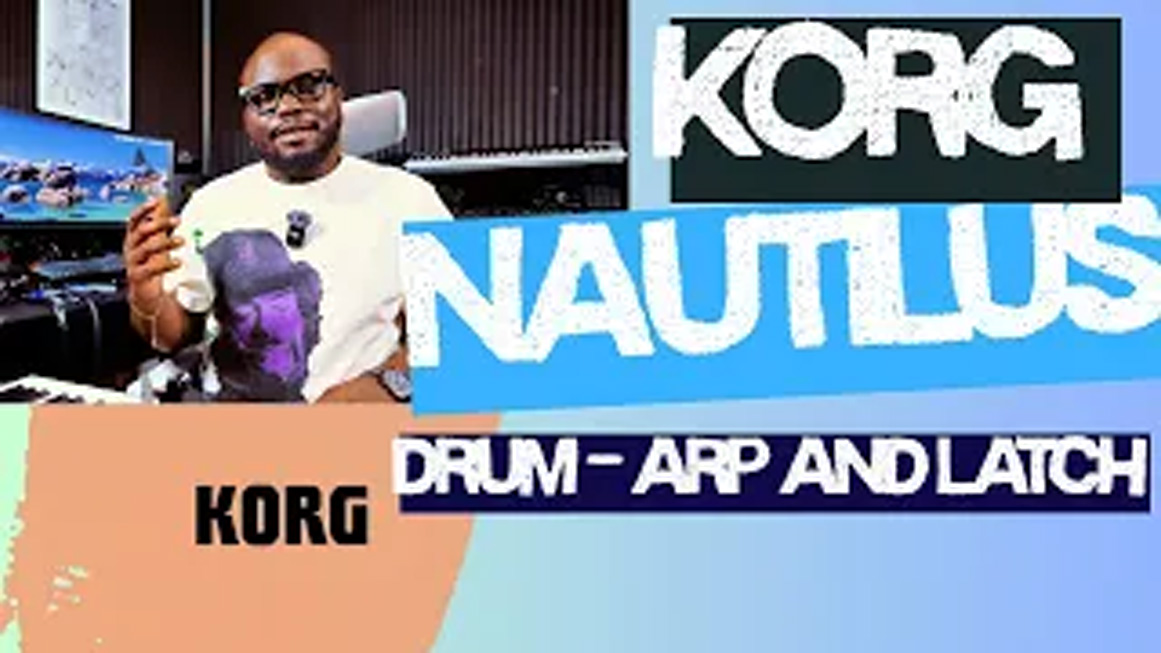

Korg Nautilus Tutorial: How to Use the ARP, Latch & Drum Buttons
In this tutorial, I’ll show you how to use the *ARP**, **Latch**, and **Drum* buttons on the Korg Nautilus and explain how each one can enhance your performance and workflow.
In this video, you’ll learn:
What the *ARP (Arpeggiator)* button does
How the *Latch* function works and when to use it
How to trigger and use the *Drum* function
Practical performance tips for live playing.
How these features work together to create dynamic performances
Whether you’re new to the Korg Nautilus or looking to unlock more of its powerful features, this tutorial will help you get the most out of your keyboard.
👍 If you found this video helpful, don’t forget to:
Like the video
Subscribe for more Korg, Nord, and keyboard tutorials
Turn on notifications so you never miss a new upload
💬 Have a question or need help with your Korg Nautilus? Leave a comment below—I’ll do my best to help!
#KorgNautilus #Korg #Arpeggiator #Latch #DrumTrack #KeyboardTutorial #SynthTutorial #MusicProduction #KeyboardPlayer #WorkstationKeyboard #DPLUS #keys
0 Comments