
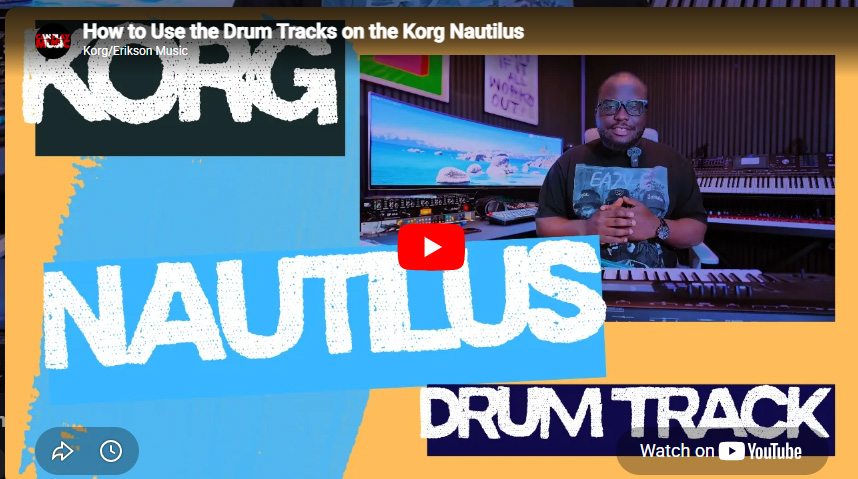

How to Use the Drum Tracks on the Korg Nautilus
In this video, I walk you through how to use the powerful Drum Track feature on the Korg Nautilus. Whether you’re practicing, songwriting, performing live, or creating backing tracks, the Drum Track function can instantly add professional drum grooves to your sound.
✅ Learn how to:
Turn Drum Track on and off
Select different drum patterns
Change drum kits
Customize grooves for your performances
Enhance your music production workflow
The Korg Nautilus is packed with incredible sounds and features, and mastering the Drum Track function is a great way to make your performances and compositions more dynamic and inspiring.
🎹 If you’re a Korg Nautilus owner, be sure to subscribe for more tutorials, tips, tricks, and deep dives into the keyboard’s powerful features.


0 Comments