
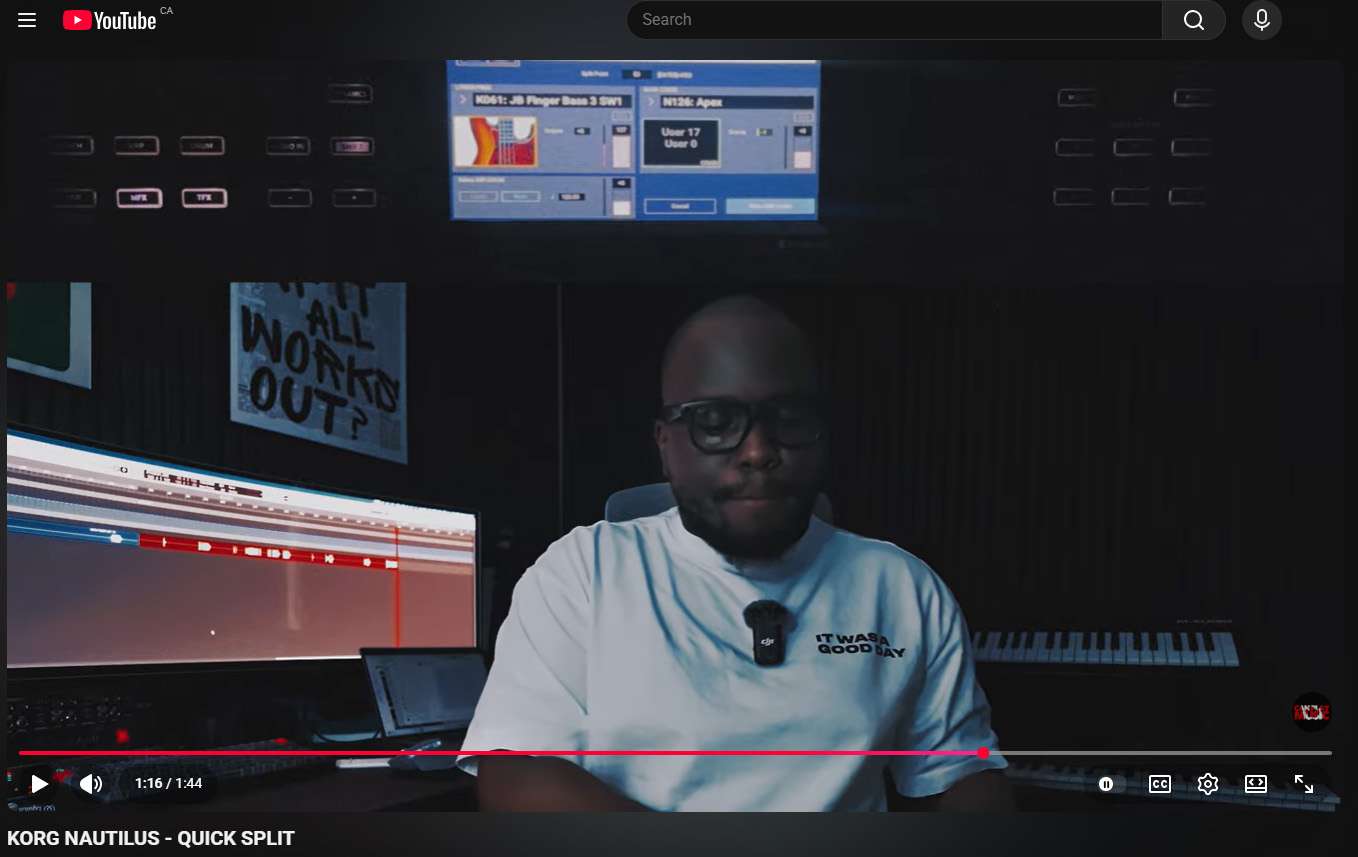

KORG NAUTILUS – QUICK SPLIT
Want to play bass with your left hand and piano, strings, or another sound with your right hand? In this tutorial, I’ll show you how to quickly create a keyboard split on the Korg Nautilus using the Quick Split function.
This feature allows you to instantly divide the keyboard into two sections, making it easy to perform with multiple sounds without having to build a Combination from scratch. Whether you’re preparing for live worship, stage performances, studio sessions, or simply exploring the power of the Nautilus, Quick Split is one of the fastest ways to expand your playing setup.
In this video, you’ll learn:
✅ What the Quick Split function does
✅ How to access Quick Split on the Nautilus
✅ How to assign sounds to the left and right sides of the keyboard
✅ How to choose and adjust the split point
✅ How to balance volume levels between both sounds
✅ How to save your split setup for future use
✅ Practical performance applications for live playing
The Korg Nautilus is packed with powerful performance tools, and mastering Quick Split can significantly improve your workflow and help you create professional keyboard setups in just a few taps.
If you found this tutorial helpful, be sure to like, subscribe, and turn on notifications for more Korg Nautilus tutorials, keyboard tips, sound design guides, and performance techniques.



0 Comments