
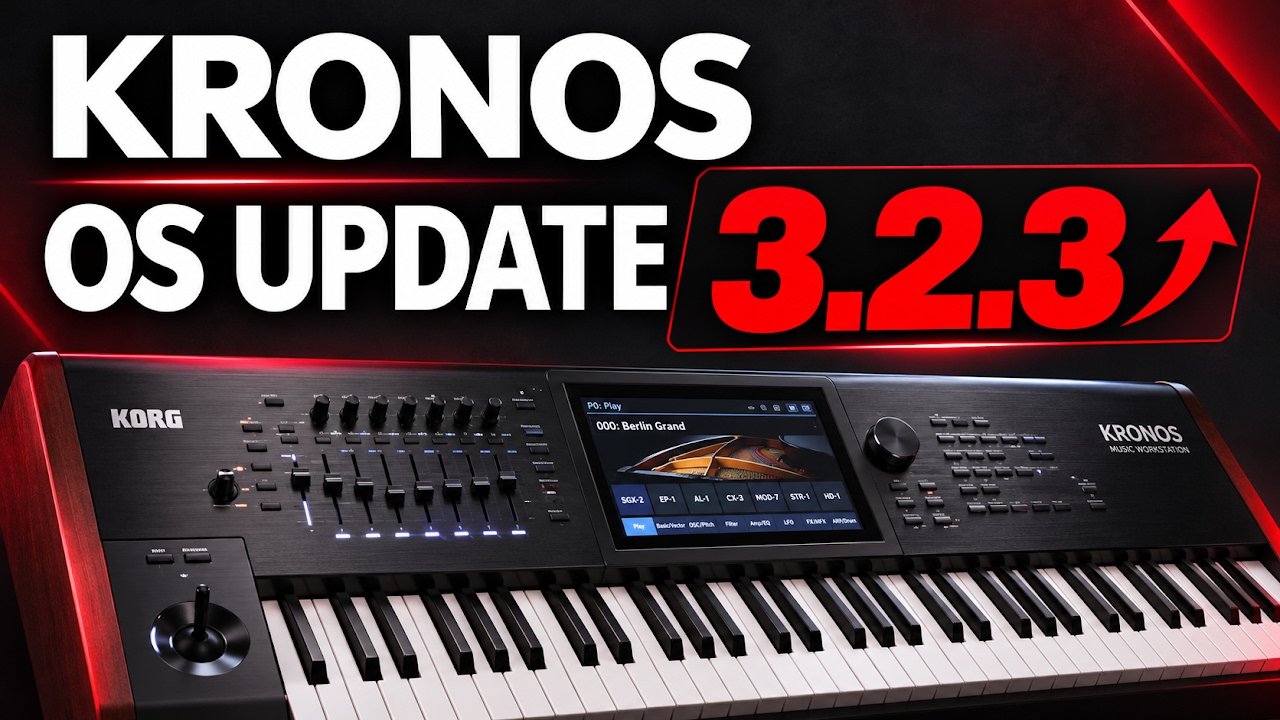

KORG KRONOS- OS Update V 3.2.3
Learn how to check and update the operating system on your KORG KRONOS in this step-by-step tutorial. In this video, I update the keyboard from OS version 3.2.1 to 3.2.3, covering everything from checking the installed version to confirming that the update was successful.
Whether you use your KRONOS for music production, live performances, or both, this walkthrough will help you follow the update process with confidence.
🎹 What you’ll learn:
• How to check your current OS version using GLOBAL → Options Info
• Where to find the KRONOS System Updater on the KORG website
• How to prepare the downloaded update files on a USB flash drive
• How to access Update System Software from the GLOBAL page menu
• How the KRONOS detects the update files on your USB drive
• How to start the installation and follow the on-screen prompts
• How to verify the installed OS version after updating
💾 Before you begin:
Back up your important programs, combinations, sequences, and other user data. Download the correct update for your KRONOS model, and read the installation instructions included with the update package.
Extract the downloaded archive before preparing your USB drive, and follow KORG’s instructions for the required files and folder structure.
⚠️ During installation:
Keep your KRONOS powered on and leave the USB drive connected until the on-screen instructions tell you otherwise. Allow the installation to finish, and follow any restart prompts shown on the keyboard.
The installation wait has been shortened in this video for easier viewing. Your keyboard may take longer to complete the process.
✅ After installation:
Return to GLOBAL → Options Info and check the displayed OS version to confirm that the update was installed successfully.
If you found this tutorial helpful, give the video a like, subscribe for more keyboard tutorials, and leave a comment with the KRONOS topic you’d like me to cover next.
Which OS version is your KRONOS currently running? Let me know in the comments!
#KorgKronos #Korg #KronosUpdate #KorgKronosTutorial #OSUpdate #KeyboardTutorial #MusicWorkstation #Synthesizer #MusicProduction



0 Comments