
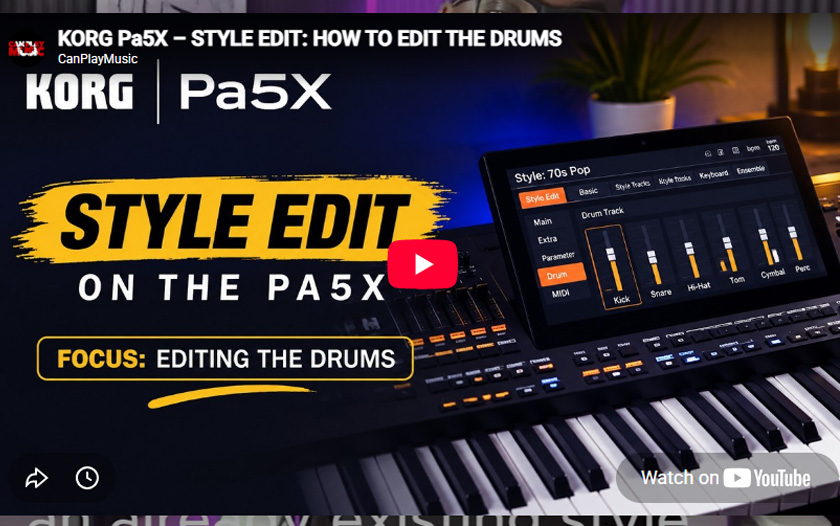

KORG Pa5X – STYLE EDIT – HOW TO EDIT THE DRUMS
n this tutorial, I take you inside the Style Edit section of the Korg Pa5X and focus specifically on editing the drum tracks of a style.
I’ll walk you through how to work with the drum parts, adjust the individual drum sounds, and shape the groove so you can customize a style to fit your own sound and playing style. 🥁
Whether you’re creating your own styles, modifying existing Korg styles, or simply want to understand how the drum section works inside Style Edit, this video will give you a practical look at the process.
🔥 In this video:
• Accessing Style Edit
• Working with the Drum Track
• Editing individual drum sounds
• Adjusting drum parameters
• Customizing the groove and feel
• Tips for creating better-sounding styles
If you’re a Korg Pa5X user looking to get deeper into style creation and customization, this is a great place to start.
👍 Like the video
💬 Leave a comment with your favorite PA5X feature or what you’d like me to cover next.
🔔 Subscribe so you never miss future Korg PA5X tutorials, tips, and performance videos.
Thanks for watching, and I’ll see you in the next video!
#KorgPA5X #KeyboardSet #KorgTutorial #ArrangerKeyboard #KeyboardPlayer #MusicProduction #LivePerformance #KorgKeyboards #DPLUS #KeyboardTutorial


0 Comments