

The Complete Home Studio Guide: Set Up Your Kali Audio Monitors Like a Pro
Forget everything you know about home studio monitor setup—because placing your Kali Audio monitors wrong can mess up your mixes big time. If your mixes don’t translate outside your room, you’re probably missing key steps like correct studio monitor placement or dialing in those boundary EQ DIP switches. Stick around, and you’ll learn how to set up your Kali LP-6 V2, LP-8 V2, or IN series monitors like a pro for accurate mixing at home! Check out this setup guide: [https://www.youtube.com/watch?v=TxflFHk90rs]
Setting Up Your Kali Audio Monitors
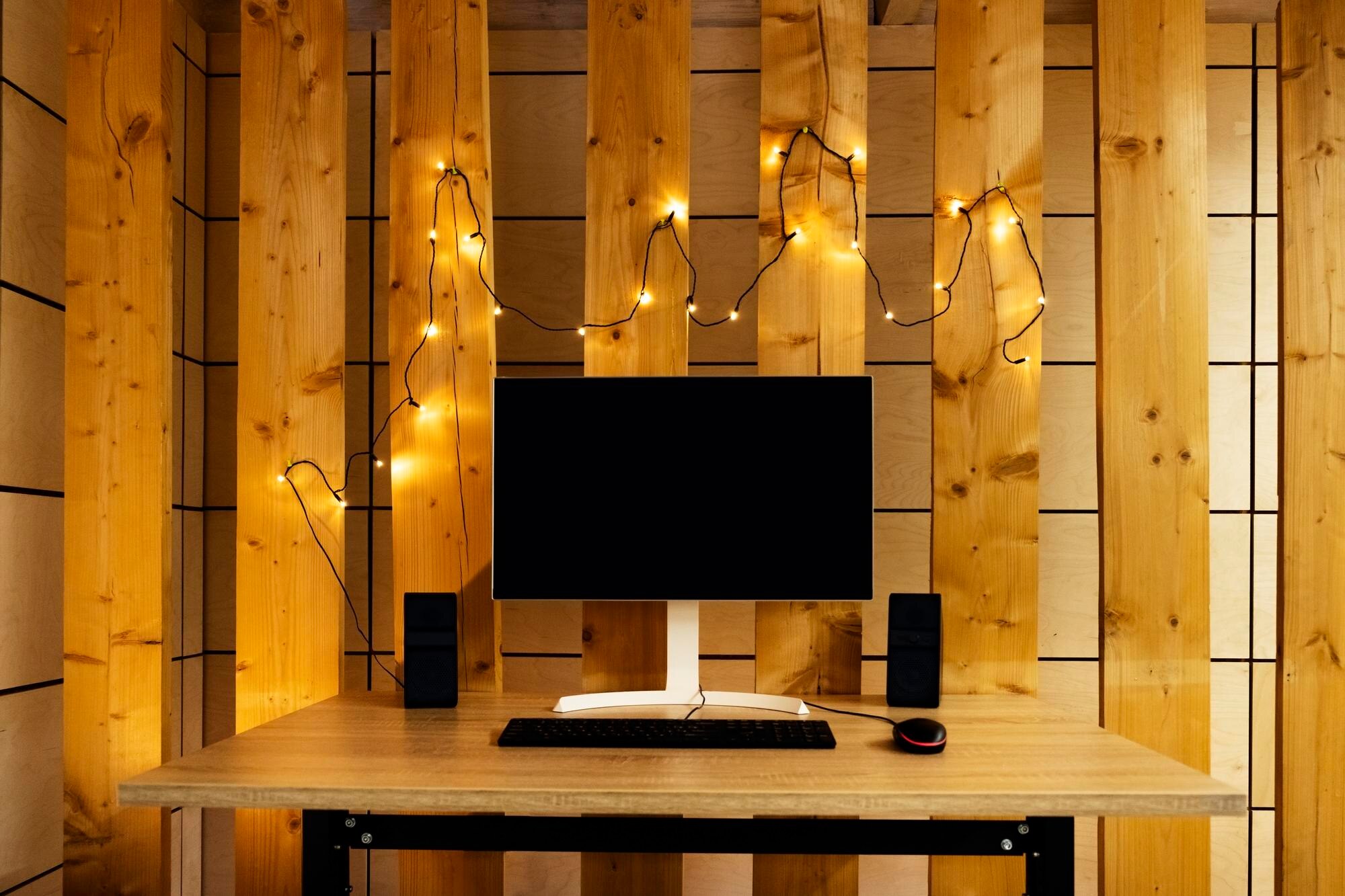
Let’s dive straight into getting those Kali Audio monitors positioned just right. You might think it’s as simple as placing them on your desk, but hold on! Proper placement can make a world of difference in your sound clarity.
Perfect Studio Monitor Placement
The first step is to ensure your monitors are placed symmetrically in your room. This balances the sound better. Imagine your room as a blank canvas, and your monitors are the first strokes that set the tone. Use a tape measure if you have to. Keep each monitor equidistant from the side walls to maintain symmetry. This placement reduces unwanted reflections and ensures each ear gets an equal dose of sound.
Equilateral Triangle Setup Tips
Creating an equilateral triangle between your monitors and your listening position is crucial. Why? It helps ensure the sound reaches you evenly from both sides, reducing the risk of hearing one monitor more than the other. Here’s how:
-
Measure the Distance: Keep the distance between each monitor and your head equal. If your monitors are 3 feet apart, make sure your head is also 3 feet from each monitor.
-
Angle Precisely: Angle the monitors inward so they point directly at your ears. This focuses the sound right where you need it, minimizing the impact of room acoustics.
Tweeter at Ear Height Matters
Now, let’s talk height. Those tweeters should be level with your ears. This setup ensures you receive the full range of frequencies without them getting lost or bouncing in ways they shouldn’t. It’s a simple adjustment but makes a huge difference!
Place your monitors on adjustable stands or stack books to get them to the right height. Test by sitting in your usual spot and ensure the tweeters point directly at your ears. This tweak is easy but packs a punch—creating a clear and detailed soundscape.
Tuning Your Monitors Like a Pro
After nailing the placement, it’s time to tune those monitors. You might think skipping this step is fine, but think again. Proper tuning brings out the best in your equipment.
Boundary EQ DIP Switches Explained
These switches aren’t just for show; they customize your sound based on your setup. Whether your monitors are close to a wall or free-standing, these settings adapt to your room’s unique acoustics. Flip the switches to see which configuration sounds best.
-
Close to Walls: Use the “boundary switch” to reduce bass boom.
-
Open Space: Set switches to neutral for a balanced sound.
Experiment with different settings until you find one that sounds right. It’s all about fine-tuning to your room’s quirks.
Studio Monitor Calibration Essentials
Calibration is about making sure your monitors play at the correct level. It’s like setting the volume knob on life, making sure everything sounds as it should. Use a SPL meter to set monitor levels. Aim for an average of 85 dB SPL for consistent results.
-
Match Levels: Make sure both monitors play at the same volume. This keeps the sound centered.
-
Check Regularly: Calibration can drift over time, so revisit this step regularly.
Subwoofer Integration Magic
Adding a subwoofer can feel like a cheat code for bass lovers. But it needs to be done right! Place it in the center between your monitors for a cohesive sound experience. Adjust its phase and volume to blend seamlessly with your main speakers.
Enhancing Your Listening Environment
You’ve placed and tuned your monitors. Now, let’s polish your room for the best possible audio experience. Your environment plays a big role in how you perceive sound.
Room Treatment for Studio Success
Bare walls are your enemy. They cause reflections that muddy your sound. Foam panels or bass traps can help absorb these reflections. Place them strategically around the room, especially behind your monitors and at the back wall. These additions absorb excess sound waves, giving you cleaner audio.
First Reflection Points and You
First reflection points are where sound first bounces off before reaching you. Cover these with acoustic panels to reduce interference. Use a mirror to find these spots: have someone move a mirror along the walls and ceiling while you sit at your desk. When you see the monitors in the mirror, you’ve found a reflection point.
Benefits of Monitor Isolation Pads 🎶
Isolation pads are a small investment with big returns. They reduce vibrations and unwanted resonance. By placing them under your monitors, you keep your sound tight and accurate. Your desk will no longer interfere with your audio, allowing you to hear your music as intended.
Setting up your Kali Audio monitors doesn’t have to be a daunting task. With these steps, you’re well on your way to achieving professional-quality sound right at home. Enjoy your finely tuned setup and let your creativity soar!



0 Comments